
The platform
One console for the assets you already run
Cypod's IoT platform runs the devices, sensors and tenants you already have from a single operations view, whichever use case you start from.
Cypod Console
Demo environmentRead-only viewNo customer data
The product, in numbers
Module tour
What the console does
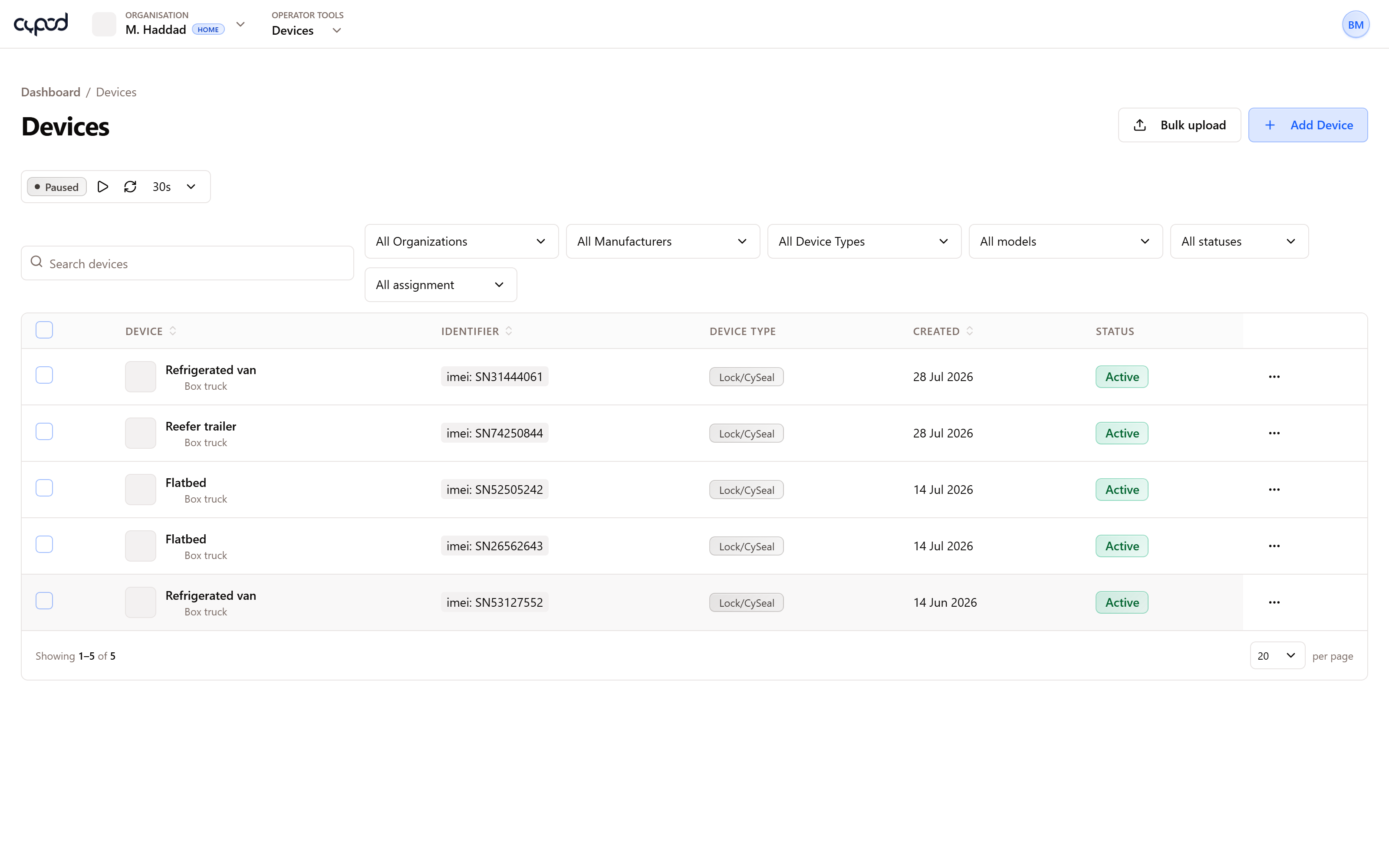
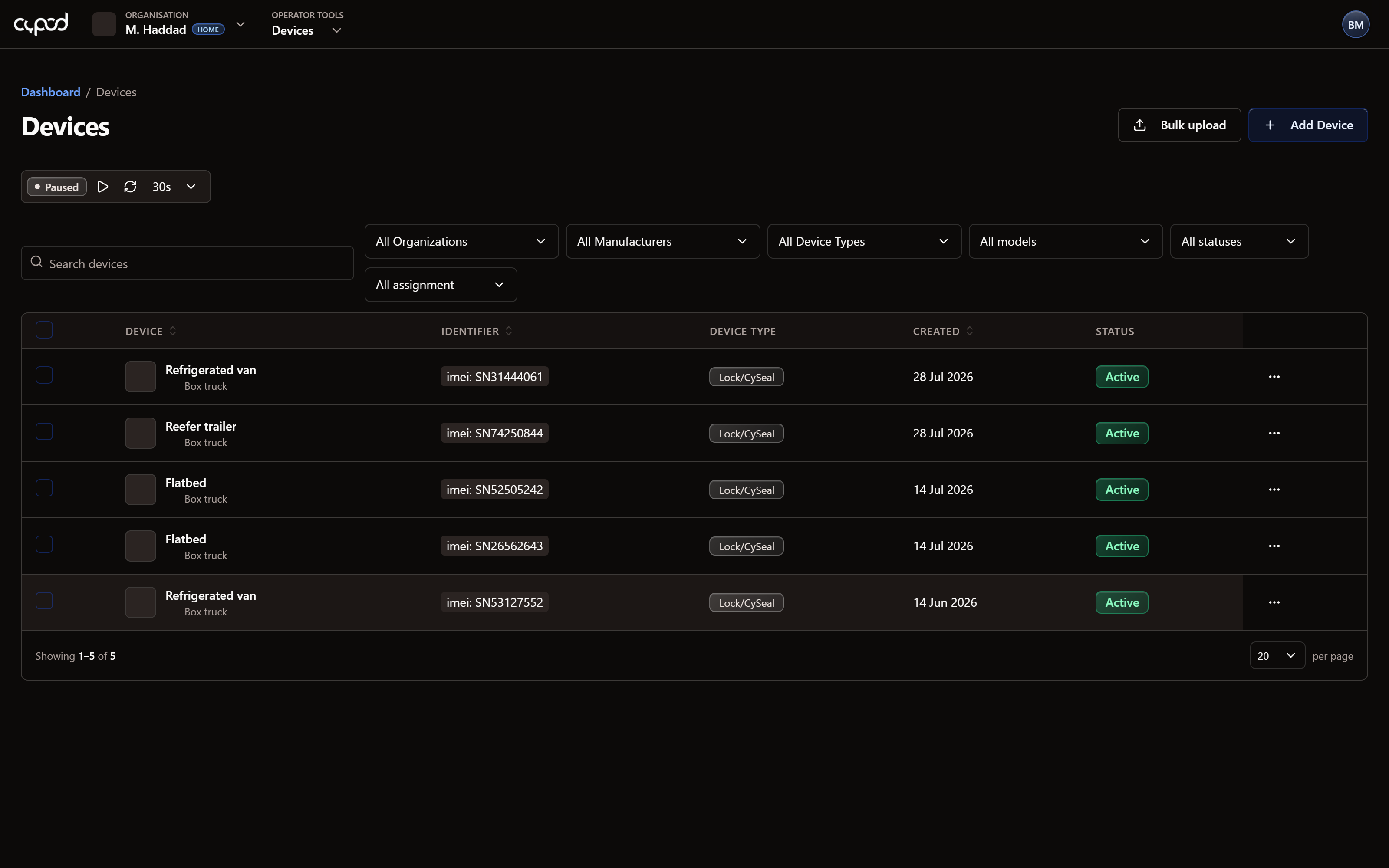
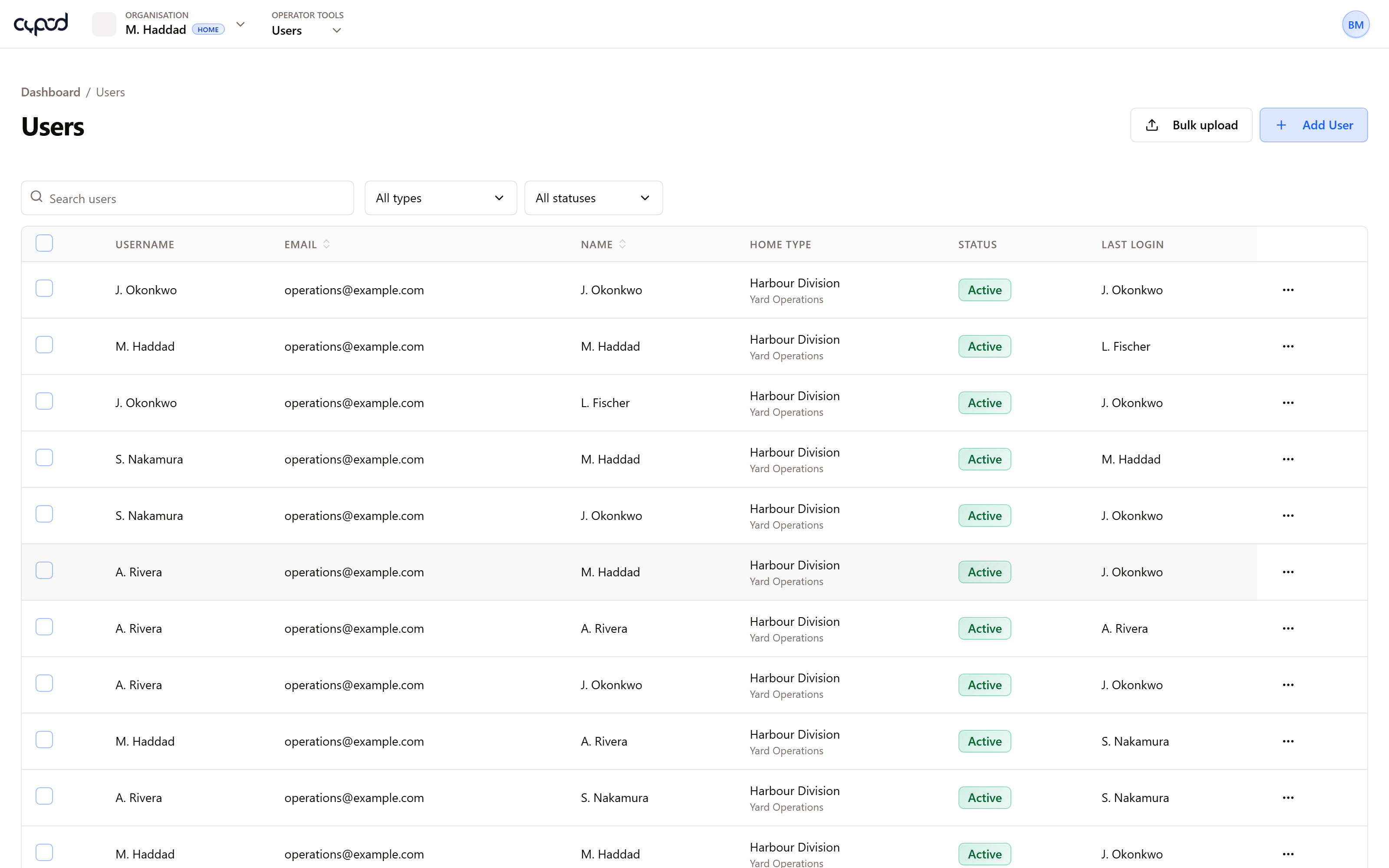
Tens of integrated device types, one data model
- Device types, models and manufacturers as a managed catalog
- Telemetry charts, a raw message log and latest values per device
- Sensor types with their own units, icons and styling
How it is laid out
Anatomy of the console
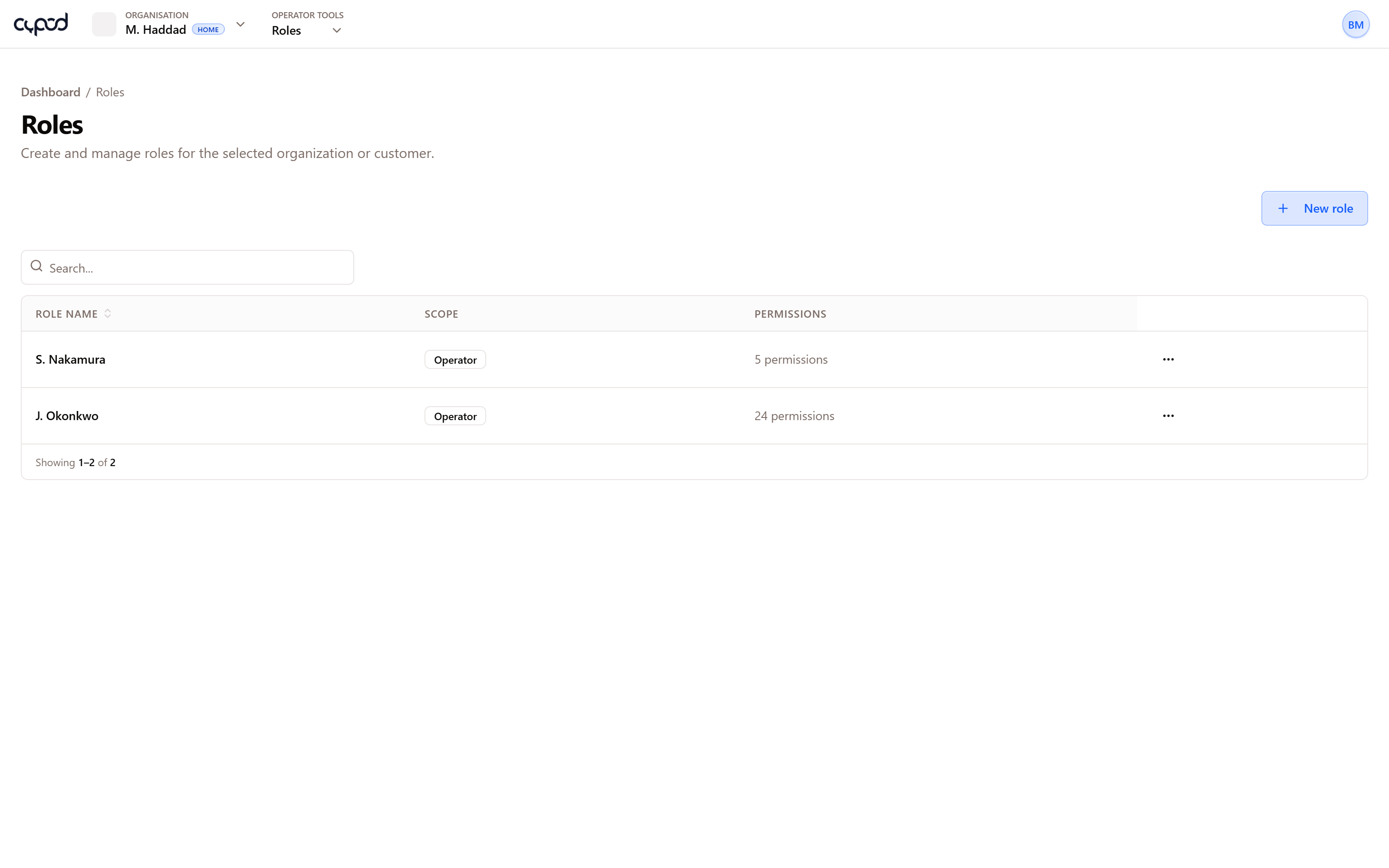
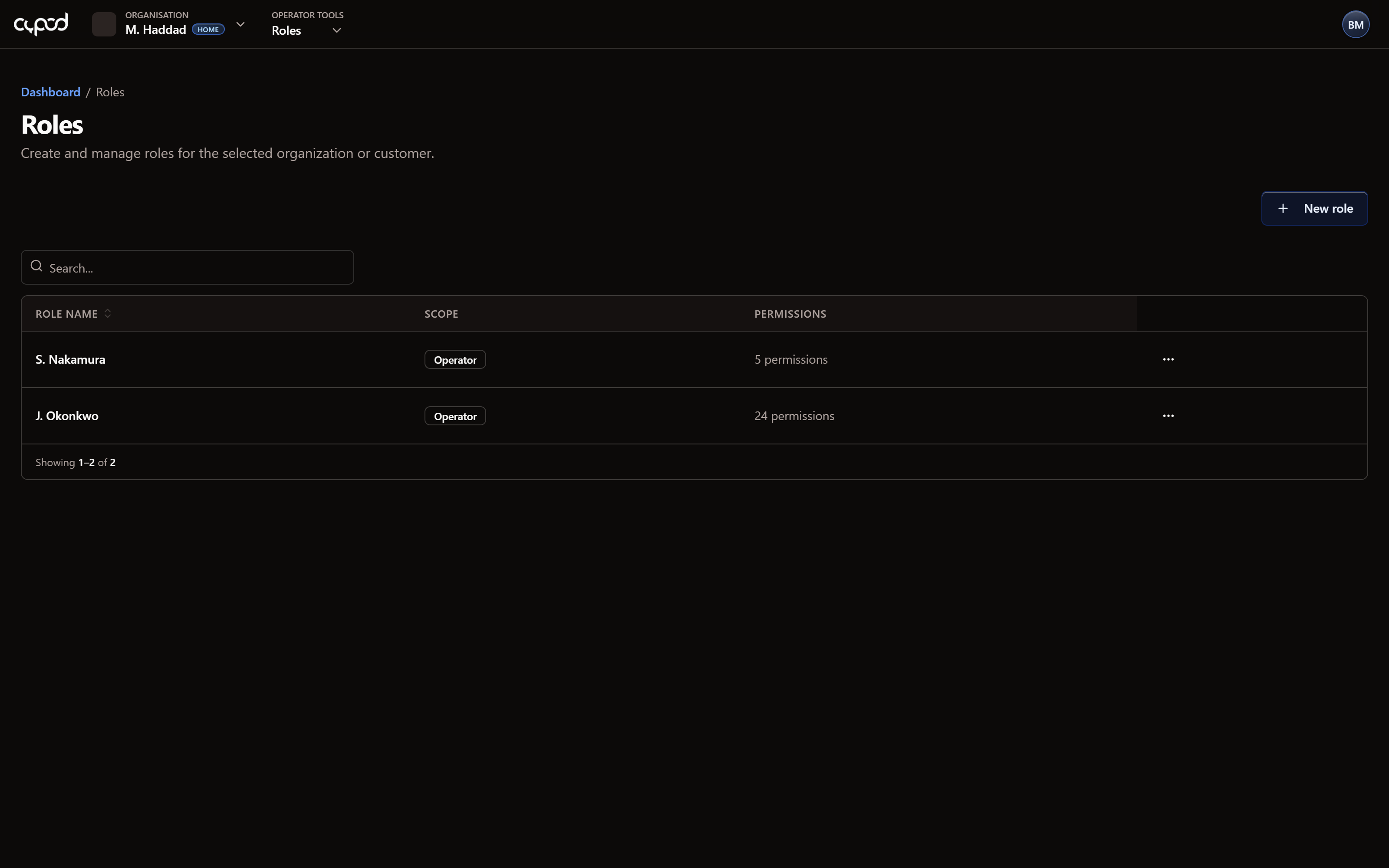
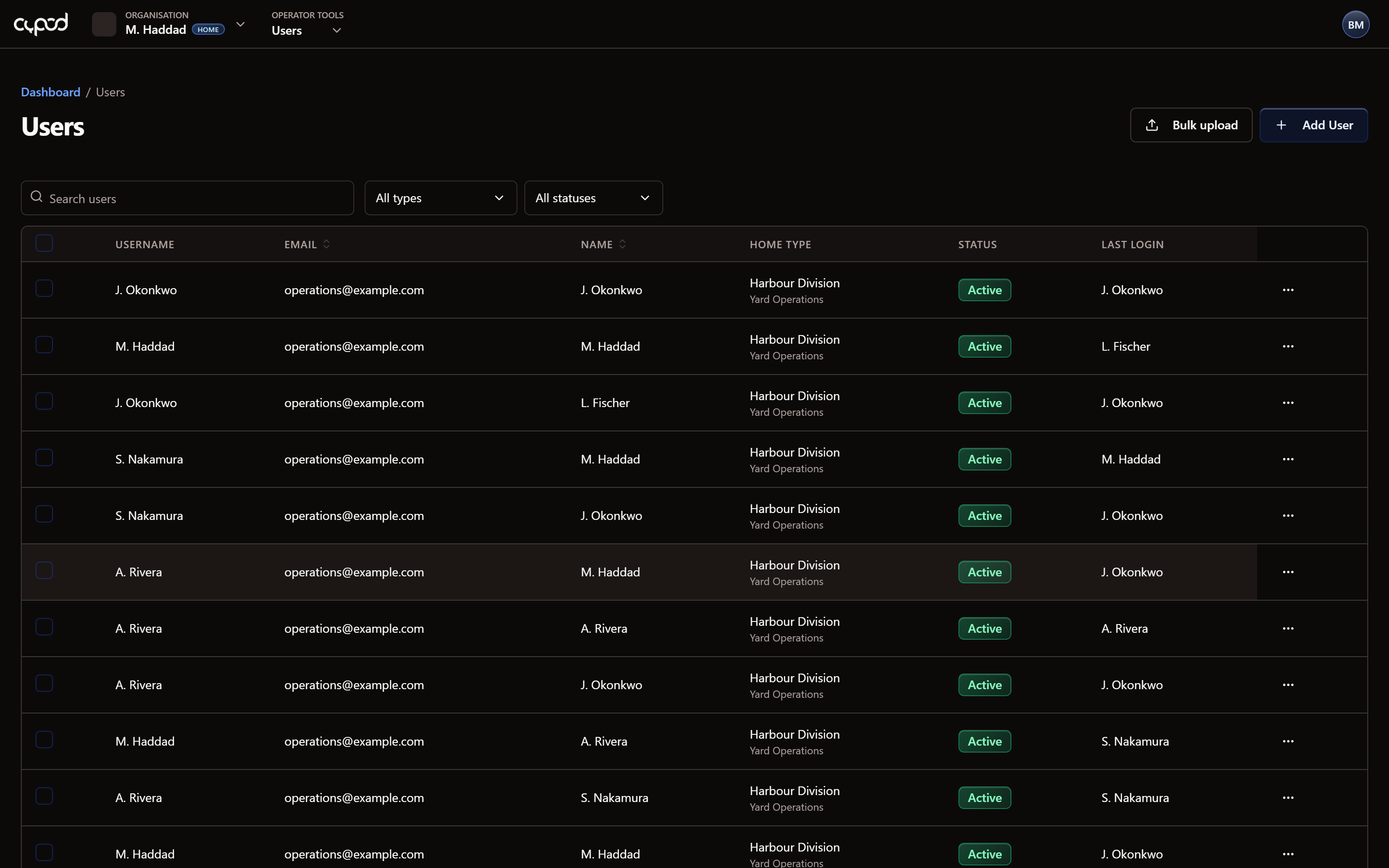
- 1Navigation grouped by area, filtered to your permissions
- 2Tenant switcher for operators working across accounts
Built for all of them
Start from any use case
The same console backs every one of our focus areas.
Container Tracking
Secure container visibility, tamper evidence & compliance
(opens in a new tab)Fleet Management
Real-time fleet intelligence, safety & video telematics
(opens in a new tab)Asset & Cold Chain
Asset visibility plus temperature & humidity compliance
(opens in a new tab)5G SA Core
Private 5G standalone core, our most innovative solution
(opens in a new tab)
Access and roles
Tenancy that matches how you sell
Each level inherits a ceiling from the one above it, so a tenant can delegate without ever exceeding what it was granted.
Organisation
Customer
User